



Home/Blog/2026/03/09/Dubai Isp Router Bridge Mode
AV & Home Cinema

Dubai ISP Router Bridge Mode

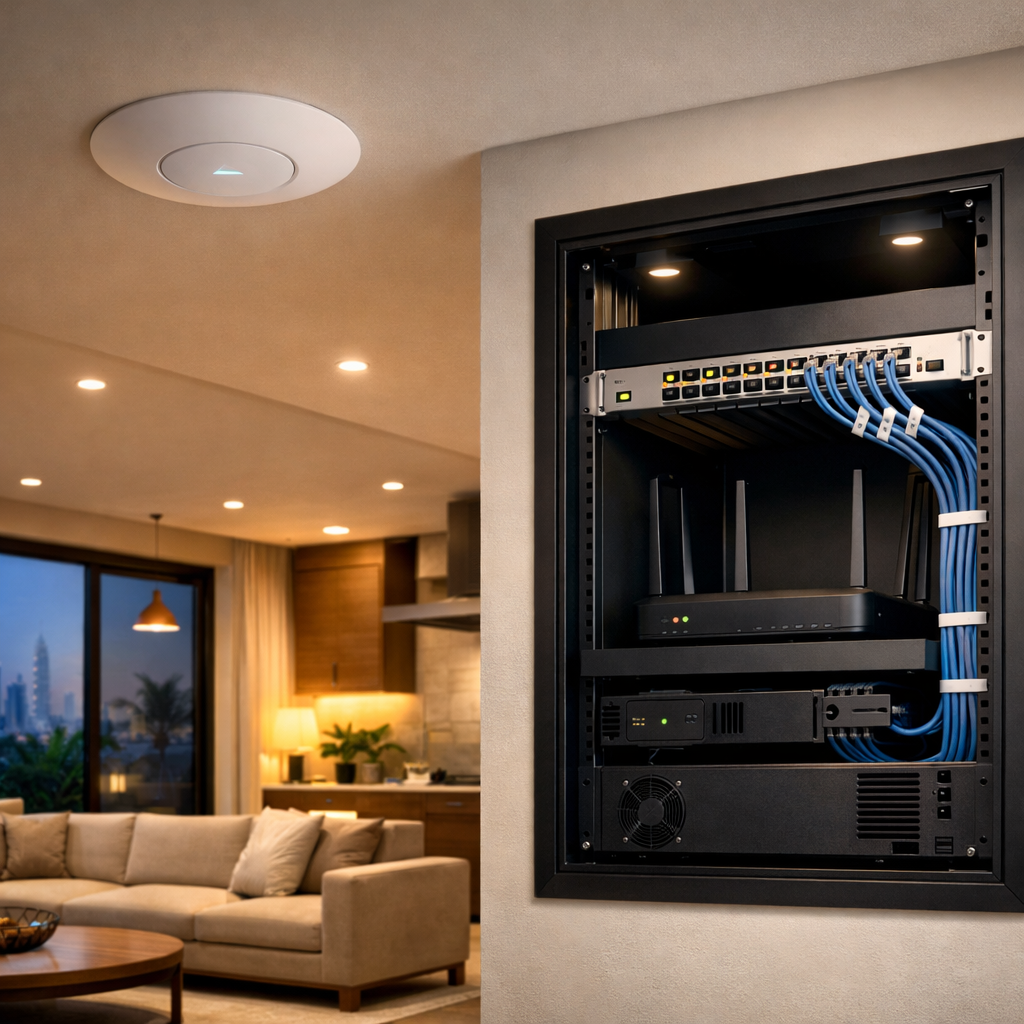
Bridge mode is one of the most useful settings in a Dubai home network, but people often leave the ISP router doing too much.

Mar 9, 20261 min readBy Hurst First TeamWiFi & AV Solutions
AV & Home CinemaHurst First

Bridge mode is one of the most useful settings in a Dubai home network, but people often leave the ISP router doing too much.

Key Takeaways

  • Start with the problem you are solving, not just the device you want to buy.
  • The best results usually come from proper planning, cabling and placement.
  • Long-term stability matters more than quick one-off fixes.
  • A structured design makes future upgrades easier and cheaper.

Bridge mode is one of the most useful settings in a Dubai home network, but people often leave the ISP router doing too much.

If you are adding a proper router, access points, and maybe CCTV or a home office setup, the ISP box should usually stop trying to be the main controller.

What bridge mode does

In simple terms, bridge mode turns the ISP device into a handoff point. Your own router gets the public connection and handles the network properly.

That helps with:

  • cleaner routing
  • better Wi-Fi design
  • fewer double-NAT issues
  • easier VPN and remote access setups
  • more reliable management of VLANs and guest networks

When it is worth doing

Bridge mode is usually worth it if:

  • you are using a better router than the ISP provided
  • the home has multiple access points
  • you want proper guest separation
  • you have a villa or office with more complex networking needs

If the whole setup is just one small apartment and one access point, the gain may be smaller.

Things to check first

Some ISP setups include TV services, voice lines, or management features that need specific handling. Before switching to bridge mode, confirm what must stay active.

Also keep the ISP login, admin access, and backup configuration somewhere safe. In a support call, that saves time.

Practical outcome

Bridge mode is not about being clever. It is about letting each device do one job well.

The ISP router hands over the line. Your router handles the network. The APs do the Wi-Fi. That separation usually makes the whole setup easier to live with.
Written by Hurst First Team

WiFi & AV Solutions designs and installs reliable WiFi, AV, smart home and security systems for homes and businesses across Dubai and the UAE.

About Hurst First Team
Tags:
AV & Home CinemaHurst First
Share this article:

Frequently Asked Questions

Why is planning important for technical projects?
Planning helps align cabling, placement and equipment choices so the final system is easier to use and support.
Can I improve the system later?
Usually yes, but the best time to do the structural work is before the walls, ceilings or cabinetry are finished.
What should I prioritise first?
Start with the use case, the layout and the infrastructure. The equipment comes after that.

Still have questions about your WiFi setup?

Talk to our experts for personalised advice.

Hurst First Newsletter

Stay updated with practical tips and expert advice

Get the latest guides, insights and technology updates delivered to your inbox.