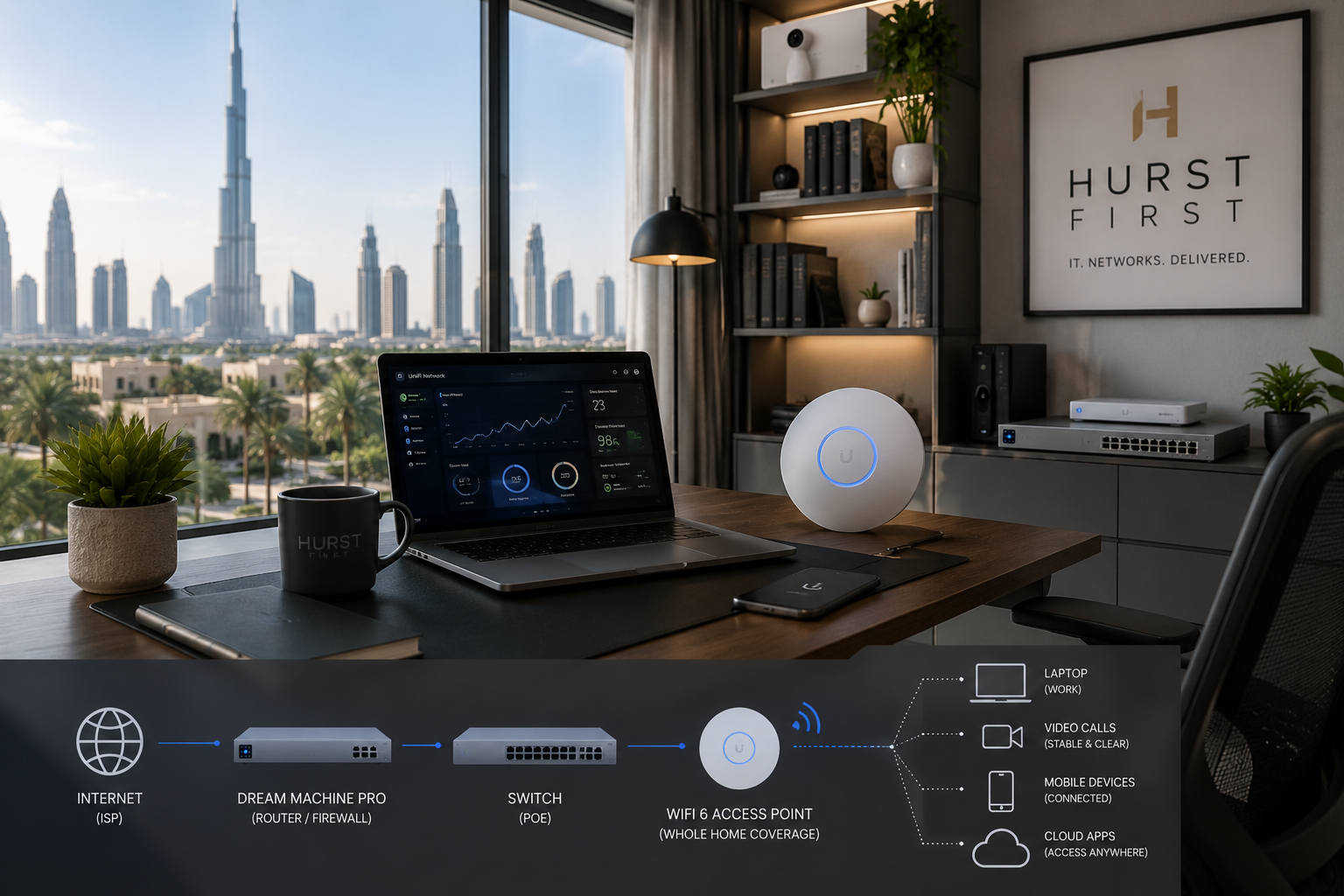
If you work from home in Dubai, the question is usually not “is Wi-Fi good enough?” It’s “what do I need to stay stable on Teams, Zoom, VPN, and large file transfers without babysitting the connection?”
For light use, good Wi-Fi can be fine. If you only take calls, send email, and jump between a few tabs, a decent access point placed properly will do the job. In a lot of Dubai apartments, the bigger issue is not speed from Etisalat or du. It’s weak coverage through concrete walls, kitchen placement, or a router shoved into a cabinet.
Wired is the better choice when the desk is fixed. One Ethernet cable to the laptop or dock removes most of the little problems people blame on “bad internet.” No roaming drops. No interference from neighbouring apartments. No weird pauses when someone starts streaming in the next room.
A practical setup is simple:
- Wire the main work desk if you can.
- Use Wi-Fi for phones, tablets, and guests.
- Put the router or access point in the open, not behind the TV or inside a cupboard.
- If the home office is in a far room, run one cable and add an access point there.
Hybrid is usually the sweet spot. I still wire the desk in most villas and many apartments, but I don’t bother hardwiring every device in the house. That’s overkill unless you want a very tidy network or you’re running a lot of traffic.
For people on VPN all day, wired matters more than speed tests. A 500 Mbps plan won’t help much if your laptop keeps switching bands or the signal dips every few minutes. Stability is what you feel.
If the office is temporary, start with Wi-Fi and test it properly during real work hours. If the room feels flaky, run a cable. It is usually the cheapest upgrade you can make.