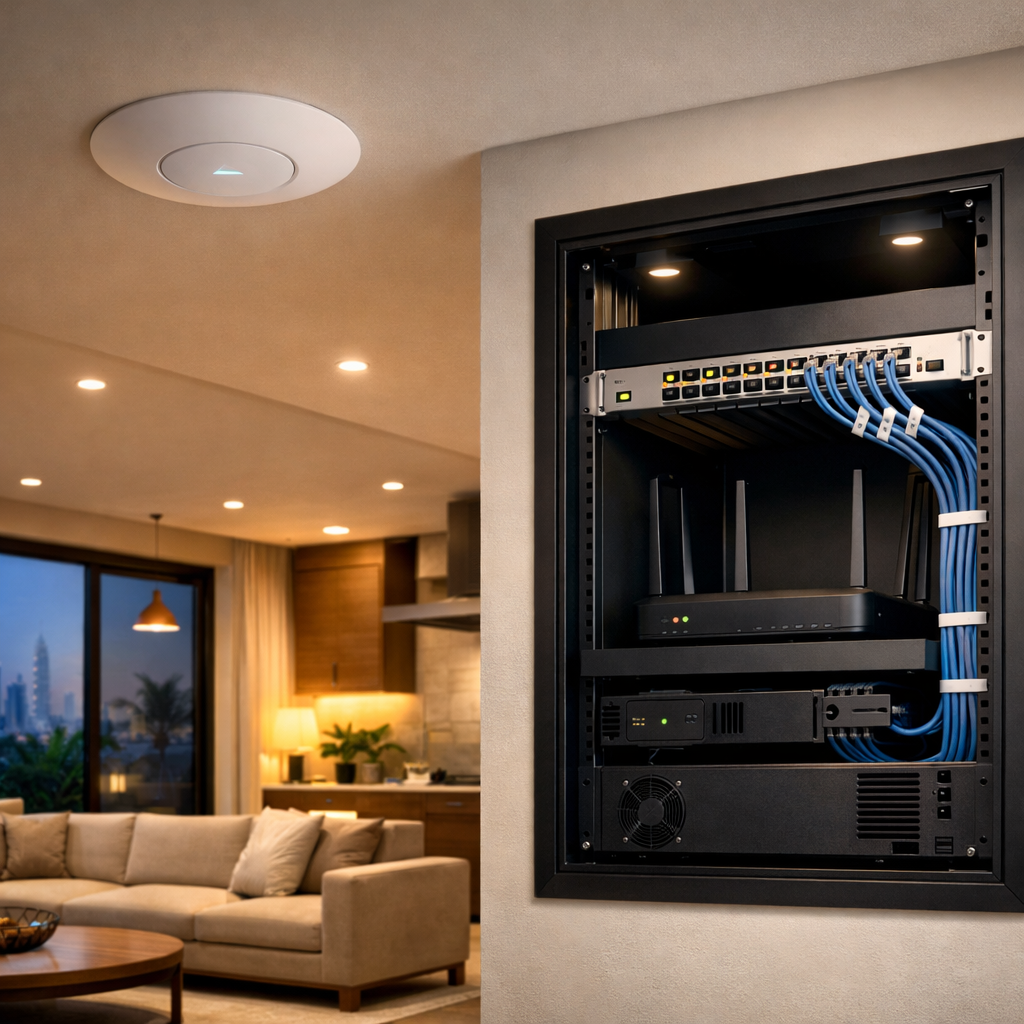
If the network only works because one person remembers where everything is, it is not really documented.
That is fine for a small apartment with one router. It is a problem in a Dubai villa or office where you have an ONT in one cupboard, a patch panel in another, access points on the ceiling, cameras outside, TVs on the wall, and maybe a gate intercom or smart lighting system tied into the same cabinet.
When something fails, good documentation saves time. More important in Dubai, it saves return visits. Heat, dust, renovations, last-minute tenant changes, and moved furniture all create the same issue: nobody knows what cable does what.
What should be documented
Keep it simple. You do not need a giant corporate binder.
At minimum, record:
- Internet provider and account details
- ONT model and serial number
- Router and switch models
- Patch panel layout
- Which room each cable serves
- Access point locations and IP addresses
- Camera locations and feed names
- TV and media cabinet connections
- Any PoE devices
- UPS or backup power details
For villas, add outside equipment too: gate intercoms, garden cameras, pool controllers, and any outdoor access points.
For offices, add the boring stuff people always skip:
- Server or comms cabinet photos
- WAN handoff point
- VLAN list
- Printer and AV connections
- Spare ports that are intentionally left free
Why it matters later
A lot of network jobs in Dubai do not fail on day one. They fail when someone adds a new room, changes a TV, swaps the ISP, or brings in a new tenant.
Without documentation, the technician starts from zero.
With documentation, the technician can say:
- This cable goes to the majlis ceiling AP
- That spare port feeds the study TV
- The cameras are on PoE switch port 5 to 10
- The office conference room is on a separate VLAN
That means less downtime and fewer random guesses.
It also helps with upgrades. If the villa owner wants Wi‑Fi 6E or a larger NAS later, you already know where the weak points are. If the office wants more cameras, you know whether the switch has capacity or whether you need another run back to the cabinet.
The common mistakes
The worst installs usually have one of these problems:
- No labels on cables
- Labels only on one end
- Patch panel ports mapped in someone’s head
- Cabinet photos taken before the final changes
- Passwords stored in a WhatsApp chat
- No record of which room has which outlet
That works until the original installer leaves the country or the property changes hands.
What to hand over at the end of a job
A proper handover should include:
- A simple network map
- Cabinet photos
- Port list
- Wi‑Fi SSIDs and bands
- Admin credentials stored securely
- Any default passwords that were changed
- Basic troubleshooting notes
If it takes more than a few minutes to explain the setup, the documentation is probably too thin.
Practical rule
If a cable can be hidden in a wall, it should be labelled before it disappears.
That applies to villas under renovation, new offices in Business Bay, and fit-outs in JLT just the same. Once the plaster is on, the labels are all you have left.
Good documentation is not paperwork for the sake of it. It is what keeps a network fixable.