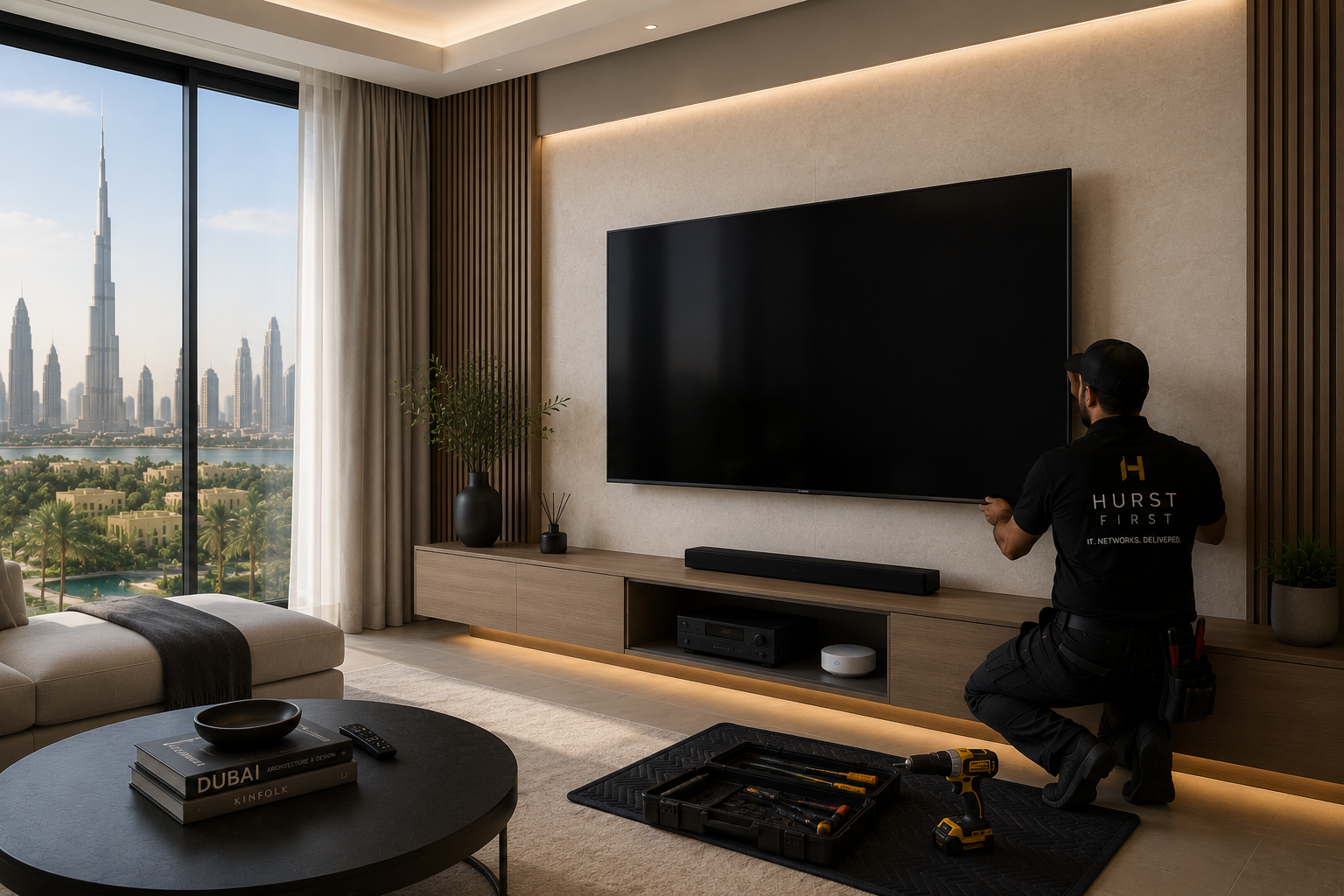
A wall-mounted TV only looks good if the cables disappear properly.
In a lot of Dubai homes, the TV is mounted neatly, then the power strip hangs below it or the HDMI lead runs down the wall in a cheap plastic trunking channel. That is not a finished install. It just hides the mess halfway.
Cable management should be planned before the bracket goes up.
Start with the wall itself
The first question is where the cables will actually go.
If the wall is solid concrete or block, you need a clear plan for chasing or surface routing. If it is a stud wall or feature panel, you need to know what space is available behind it. If the wall already has stone, wallpaper, or expensive joinery, you should avoid forcing the issue and plan a cleaner route elsewhere.
In Dubai villas, this often comes down to one of three setups:
- Recessed box behind the TV with power and data
- A hidden route down to a low cabinet
- A mirrored or panelled feature wall with all cabling planned into the build
The best option is usually the one designed before the finish goes in.
What should be behind the TV
At minimum, leave space for:
- Power
- HDMI
- Ethernet
- Antenna or satellite feed if needed
- Soundbar connection
- Any streaming box, receiver, or game console
If the TV sits above a console or media cabinet, run enough cable to move equipment without pulling on the connectors. People change devices more often than they change walls.
For offices, the same logic applies to meeting room screens. Leave proper cable access for laptops, conferencing bars, and control panels. If the cables are too short or too tight, somebody will start using adaptors and extension leads later.
Don’t rely on the TV only
A wall mount is just the visible part.
The important bit is what supports it:
- A secure bracket fixed to the correct surface
- A power point that does not get blocked by the screen
- A data point for smart TVs and streaming devices
- A sensible place for the set-top box or receiver
- Enough ventilation for the hardware behind or below the screen
Dubai homes often have strong air conditioning, but enclosed cabinets can still trap heat. A closed media unit with no airflow is a good way to shorten the life of a router, receiver, or Apple TV.
Common mistakes
The usual problems are easy to spot:
- Cable trunking added after the fact
- Power socket hidden in the wrong place
- TV mounted too high for the seating area
- Cables bent hard behind the screen
- No access to HDMI ports once the TV is up
- Equipment left on the floor behind the cabinet
Once the wall is finished, every mistake becomes more annoying to fix.
Good practice
A clean install usually includes:
- Recessed power and data behind the TV
- Short, correctly rated HDMI cables
- A path for future upgrades
- A cabinet with ventilation
- Labels on all hidden leads
- Enough slack to remove the TV without cutting cables
If you are doing a villa renovation, set this up before painting or panelling.
If the home is already finished, use the least invasive route and make it look deliberate. A neat surface chase is better than a fake “hidden” cable job that still looks improvised.
The goal is simple: the screen should float on the wall, not drag a mess of wires with it.