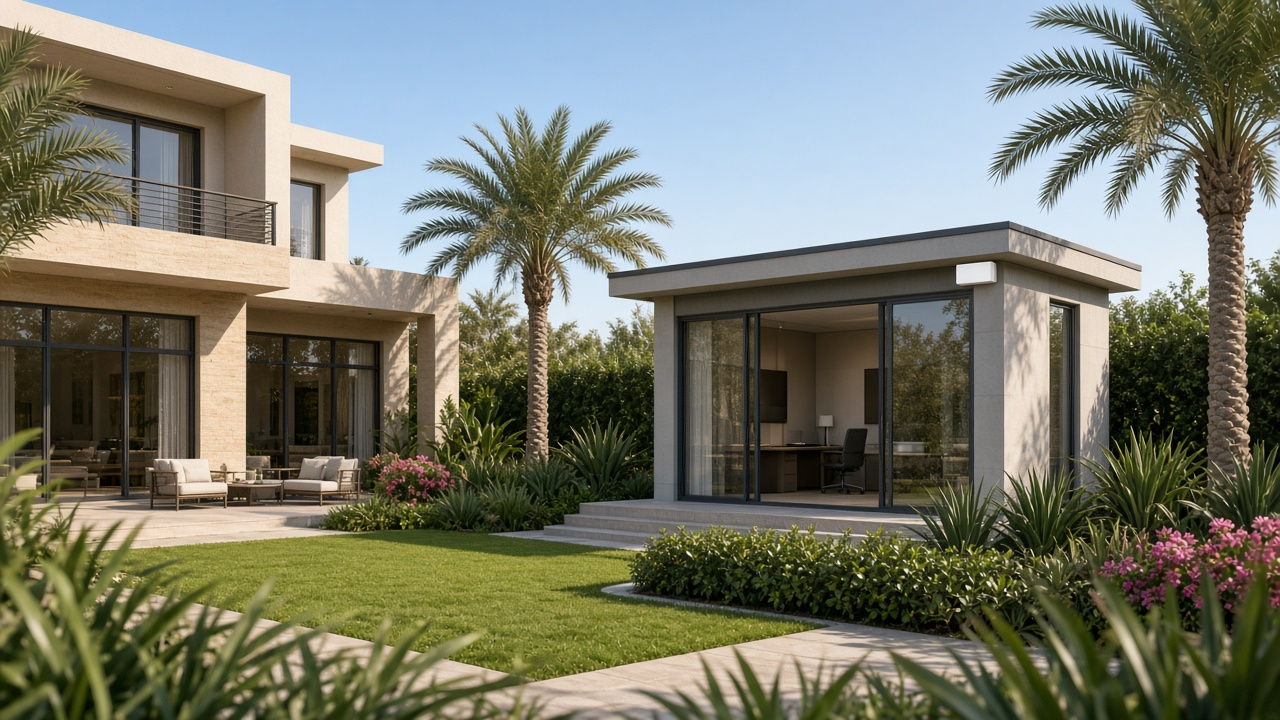
You have a detached office, gym, majlis or guest room across the garden. The main house has solid WiFi. The outbuilding does not. Dropping another mesh pod by the patio door is the usual first try. Sometimes it works. Often the backhaul through walls and glazing is the real limit, and video calls still drop.
This guide is about the building-to-building link, then the indoor WiFi at the far end. It is not about covering a terrace for phones by the pool. For outdoor client coverage, see our outdoor WiFi guide for gardens, terraces and pools. It is also not ISP router bridge mode, and it is not a fibre ONT replacement.
Key takeaways
- A wireless bridge links two network endpoints. It is not automatically the access point your laptop joins. Plan a switch or AP in the outbuilding too.
- Fibre carries data, not PoE power. You still need power and the right optics or media converters at the remote end.
- Copper Ethernet's normal channel limit is 100 m along the cable route, not the straight-line garden distance.
- Check line of sight, planting, sun, UV and heat before you commit to radios or outdoor cable.
- TDRA rules for 6 GHz treat that band as in-building only. Do not assume a US outdoor radio is legal in a Dubai garden.
- This is usually a same-property LAN extension. Do not assume you can share an Etisalat or du line across unrelated premises.
Start with the backhaul, not another extender
The job has two parts:
- Get a reliable link from the main house network to the outbuilding.
- Provide local wired and WiFi coverage inside that building.
Mixing those up is how people end up with a directional radio on the wall and no access point for the desk. A bridge supplies the backhaul. An access point supplies client WiFi. They may be different devices.
For how you connect a desk once the building is on the network, see home office WiFi versus wired.
Option 1: outdoor-rated copper Ethernet
Standards-based copper horizontal LAN links are normally limited to 100 m for the complete channel. Measure the full route through conduits and landscaping, not the gap you can see across the lawn. A short visual gap can hide a long cable run.
Copper can be attractive when the route is short enough and you want PoE to power a remote access point. You still need weatherproof terminations, a sensible earthing and surge design, and safe separation from mains. This is not a licence to run any cable outdoors next to power.
Where a cable route is practical, we can run armoured Cat6 or direct-burial cable as part of the link. Our network cabling service covers structured cable work when a proper route exists.
Option 2: fibre to the outbuilding
Fibre can extend a LAN beyond copper distance, and it is one of the link options we can offer where the route suits it. The actual rate and reach depend on the fibre and the optics you fit, so do not quote a maximum for an unspecified transceiver (Fluke on fibre versus copper).
Two points people miss:
- Fibre cannot plug straight into a normal RJ45 socket, and it cannot carry PoE. You need SFP-capable switches or conversion equipment, plus power at the remote end.
- Conversion gear that gives you copper and PoE at the edge still needs its own power source. Include remote power and, where it matters, UPS in the scope.
Fibre is electrically nonconductive for the data path and is impervious to electromagnetic interference in a way copper is not (Fluke on EMI and industrial Ethernet). That does not make the whole installation surge-proof, especially where there is still metallic armour, power cabling or outdoor metalwork. Design earthing and surge protection properly.
Option 3: a directional wireless bridge
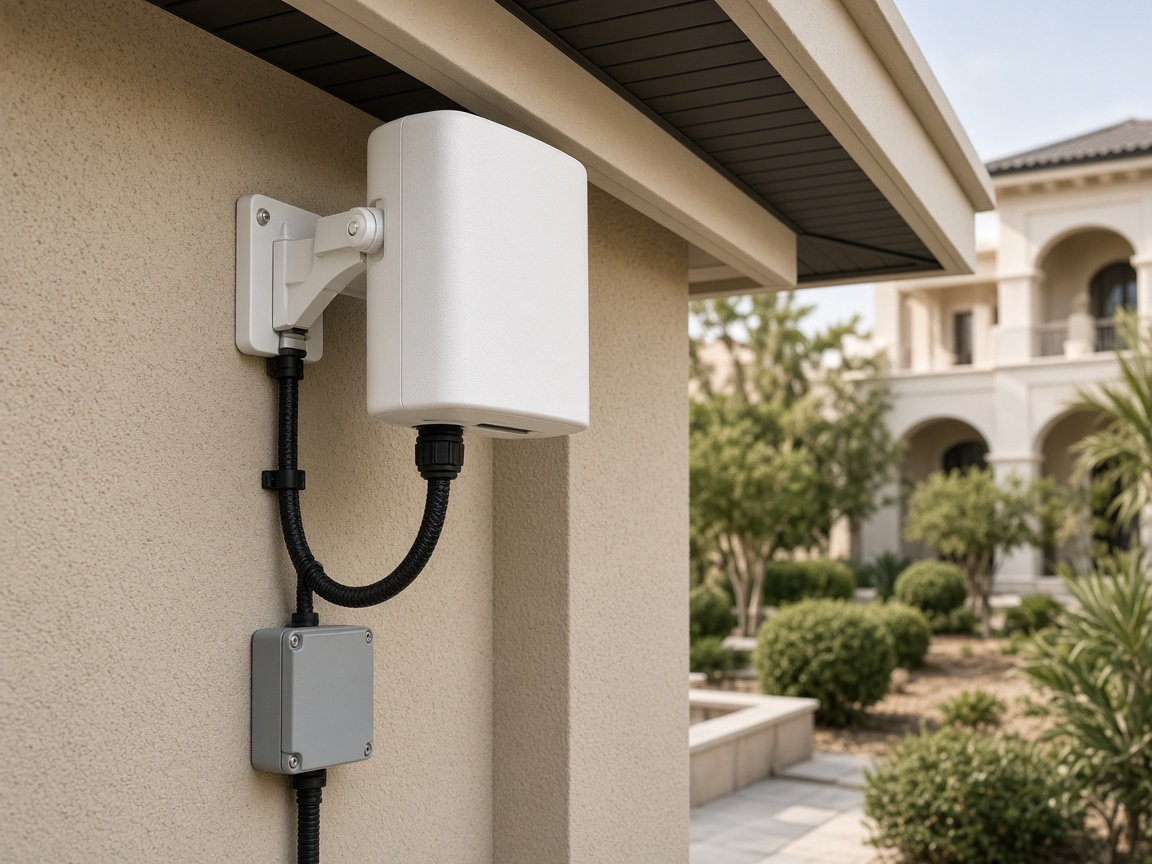
When there is no practical cable route and you have a clear path, a point-to-point wireless bridge can carry the LAN across the garden. A wireless bridge is one of the link options we install for villa outbuildings. One concrete product example is Ubiquiti's UBB: a pre-paired two-radio kit using 60 GHz with a 5 GHz 802.11ac backup, marketed up to 500 m.
Read the datasheet carefully before you buy on the marketing line:
- Each radio has one 10/100/1000 Ethernet port. The “1.7+ Gbps bi-directional” marketing figure is not 1.7 Gbps to a single RJ45 client.
- Maximum consumption is listed at 11 W, with 802.3af support and 48 V passive PoE. Confirm the exact power method and the regional kit. Passive PoE is not interchangeable across every brand.
- The opened datasheet lists ambient −40 to +60 °C and UV-resistant polycarbonate. That is for that model revision. Check the unit you are actually buying. A different web listing's higher temperature claim is not a substitute.
- Obstacles, including rain, can reduce 60 GHz throughput. The link can fall back to 5 GHz. Do not assume the backup has the same capacity as the primary link.
Ubiquiti lists UBB on its UAE store. A catalogue listing confirms regional availability. It is not proof of live stock, delivery time, TDRA type approval or warranty terms for your install.
What TDRA actually says about outdoor radios
Do not treat a product catalogue as spectrum permission.
From the TDRA UWB and SRD Regulations v5.0 Wireless Access Systems table:
- 5945–6425 MHz is in-building only, at 200 mW e.i.r.p. Emissions are assessed 10 m from the building or premises boundary. Do not recommend a 6 GHz garden or roof radio by analogy with US outdoor WiFi.
- 5470–5725 MHz distinguishes lower power without TPC from higher power with TPC and DFS. That is not permission to switch off radar protection or pick a foreign country code.
- 57–66 GHz WAS entries list high e.i.r.p. figures and spectrum-sharing mechanisms. Other nearby table rows have different conditions. Do not mix rows or assume every 60 GHz bridge is automatically cleared for your mount.
Exact current type approval for a chosen regional SKU remains something the supplier or installer must verify. Re-check the regulation before publication if you lean on these figures.
Dubai survey points that actually matter
Walk the route, not only the brochure photo:
- Trace the real conduit and landscape path, and who owns permission to dig or mount. A community or landlord approval may be needed for visible radios or trenching. There is no single citywide NOC rule established here.
- Check irrigation, drainage, direct sun, UV, plant-room heat, maintenance access and future planting. Our outdoor WiFi guide covers those local concerns for garden kit.
- Size the remote switch, access point and backup power, not only the inter-building link.
- Keep the design as an extension within one property. Sharing an ISP service across unrelated premises needs contractual clarity that is not assumed here.
We have expanded garden and exterior-study coverage before. The California Village case used a seven-node Deco deployment for external rooms. That shows the real use case. It is not evidence that every annex needs fibre or a 60 GHz bridge. The right link is project-specific.
How to choose
| Option | Strong reason to consider | What to check on site |
|---|---|---|
| Armoured Cat6 or direct-burial copper | Suitable route and channel length; PoE may power a remote AP | Length and certification, weatherproof terminations, earthing/surge, separation from power |
| Fibre | Nonconductive data path, EMI separation, future backbone headroom | Optics match, bend radius, clean connectors, remote power, loss-test results |
| Directional wireless bridge + local AP | No practical cable path and a clear link | Mounting points, obstruction and plant growth, lawful bands, alignment, capacity and failover |
| Ordinary indoor mesh extension | Very little disruption where the tested link is already good enough | Real backhaul through walls and glass; do not trust bars alone for office calls |
For villa outbuildings we can provide the inter-building link as a wireless bridge, fibre where it fits, or armoured Cat6 / direct-burial cable. The right choice depends on the route, power and how the office will be used.
A useful handover includes a simple topology, labelled interfaces, a wired performance test at the office desk, in-room WiFi or call results, and radio-link plus fallback results if a bridge is used. Keep service access details somewhere secure.
DIY is reasonable when / Call us when
DIY is reasonable when the outbuilding is close, you already have a short outdoor-rated cable route, and you only need to add a small switch and access point on a known good link.
Call us when the route crosses landscaping or shared areas, you need a wireless bridge, fibre or buried copper run, power at the remote end is unclear, radios need mounting and alignment, or office calls have to be reliable every day.
For a scoped WiFi look at the whole plot, see wifi.hurst-first.com and our WiFi services.
FAQ
Do I need another internet subscription?
Often the design is a same-property LAN extension from the villa network you already have. Scope and ISP terms still need checking. Do not assume eligibility for a separate premises.
Is a wireless bridge the same as an outdoor access point?
No. A bridge carries the backhaul between buildings. An access point serves phones and laptops inside the outbuilding. You often need both.
Should I choose Ethernet or fibre?
Compare the complete route, the electrical design and remote power, not only headline Mbps. Copper has a normal 100 m channel limit. Fibre needs optics and separate power (Fluke).
Will trees matter for a 60 GHz bridge?
Yes. Directional 60 GHz links are sensitive to obstacles, and rain can reduce throughput. Survey the current path and what will grow into it.
Can I use outdoor 6 GHz WiFi across the garden?
TDRA's published WAS entry for 5945–6425 MHz is in-building only. Do not copy a US outdoor 6 GHz product assumption into a Dubai garden without checking current rules and the specific radio.
Talk to Hurst First
If you are adding a garden office, majlis or gym and the WiFi stops at the patio, we can survey the real route and provide the link as a wireless bridge, fibre, or armoured Cat6 or direct-burial cable, then plan power and coverage at the far end. We work on villas across Dubai.
There is no pressure. If you would like a second look before you trench or buy radios, Request a consultation and we will take it from there.