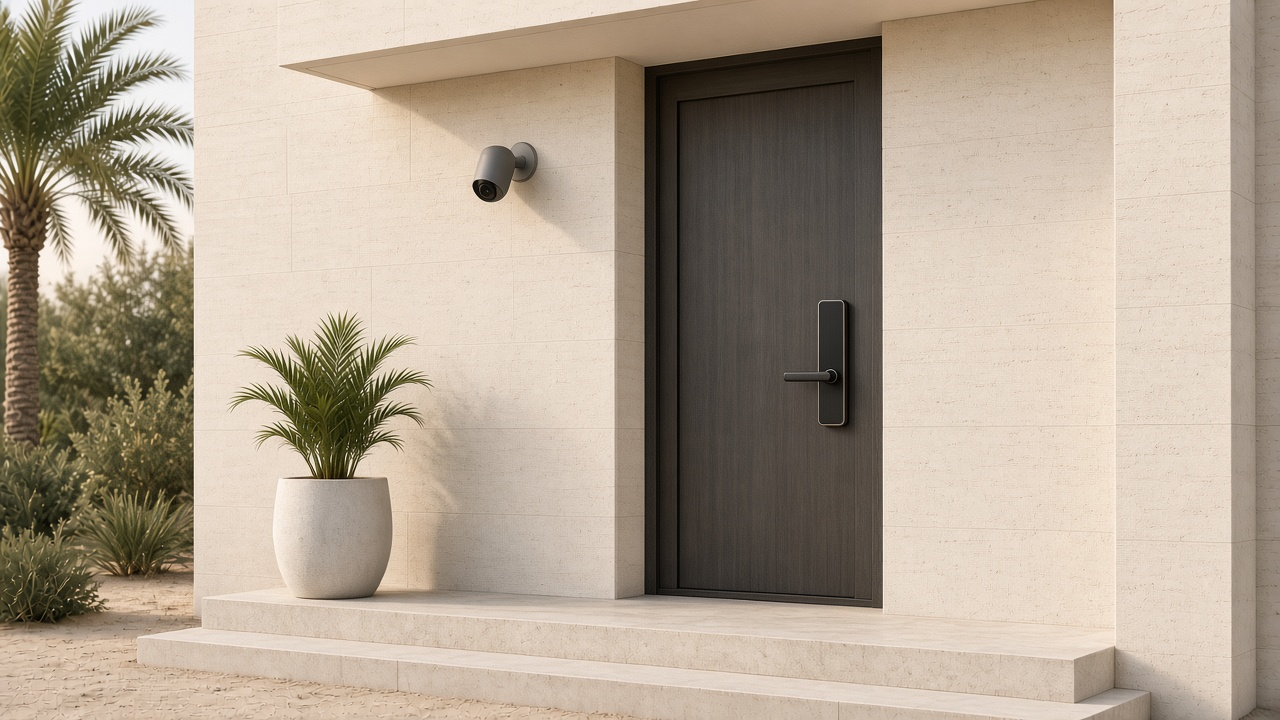
The guest arrives, tries the WiFi, and expects the door code to work. If you are in another country, you cannot pop round and reboot the router. In a short-let, that kit is part of the stay.
The three things that matter are the WiFi, a smart lock and outdoor cameras. A more expensive fibre plan will not fix a bedroom with no signal, a code that fails at checkout, or a camera in the wrong place. What helps is a network you can see and restart from your phone, a lock with codes that start and end with the booking, and cameras that stay outside.
We are a Dubai-based installer, established in 2019. Holiday-home tech is part of our normal work, not a separately named service or package. WiFi installations start from AED 1,600 + VAT for an apartment and from AED 2,500 + VAT for a villa. For what a proper setup looks like, see our WiFi page.
This is practical advice, not legal advice and not a permit checklist. Before you list an apartment or a villa, it still has to be registered and approved by Dubai's Department of Economy and Tourism (DET). DET took over from the old Department of Tourism and Commerce Marketing (DTCM) under Law No. (20) of 2021. Official DET service pages do not list WiFi, smart locks or CCTV as permit conditions. Guests still expect those things to work. Use DET's issuance page for the permit, and display it in the unit as they require.
The same job shows up in a Dubai Marina or JBR apartment, a unit in Downtown or on Palm Jumeirah, or a villa in Business Bay or Dubai Hills. The guest still needs to get online, get in, and settle without calling you.
Why tech problems hit holiday homes harder
Guests judge the unit in the first hour. They try the WiFi, the door, the AC and the TV. In a family home, a weak corner is an annoyance. In a short-let, it is the stay.
We have not seen an official Airbnb, Booking.com or DET figure that ranks "WiFi not working" as the top complaint, so we will not invent one. What we do see is straightforward. The owner is often not in Dubai. The guest is standing in the hallway with a suitcase. Somebody has to get the network back up.
A lone ISP router in a cupboard, with no remote access and no guest network, is a poor fit. The answer is usually the setup — WiFi, a smart lock and outdoor cameras — not a more expensive fibre plan.
The WiFi setup that works for short-lets
A holiday home still sits on ordinary Dubai fibre and ordinary building walls. There is no special short-let frequency plan. Our whole-home coverage notes still apply, and our WiFi page explains what a proper setup looks like.
Coverage first, speed second
In apartments, the usual issues are concrete walls and interference from neighbours. In villas, it is several floors, a garden or pool, and sometimes a majlis a long way from the router.
A single ISP router in the hall will often leave the back bedroom, a staff room or the terrace short. A well-placed mesh can be enough in a smaller unit. In many Dubai apartments, properly placed access points are the cleaner job. Our mesh versus access points guide walks through that choice.
Size the system to the unit you have, not to a package name. We plan coverage by walking the space, not by trusting a software heatmap.
Separate guest and owner networks
Guests need an easy network name and password, printed on a card or a QR code in the unit. That guest network should be isolated from your own devices: cameras, the lock bridge, a smart home hub, or a recorder.
If you hand out the same password you use for the cameras, a guest — or anyone who stayed last month — can see more than the internet connection. Our guest WiFi article covers the same idea for ordinary homes. In a short-let, print a guest password and keep owner kit off that network.
Rotate the password after a long stay, if it has been shared too widely, or on a cycle you can keep up with. Changing it after every checkout only works if the card in the unit is updated every time. We can reset the guest WiFi password for you between stays.
Remote management and alerts
If you are not on site, you need to see whether the kit is online, and you need a way to restart it without a visit. Cloud-managed platforms we already work with — UniFi, TP-Link Deco or Omada, and Firewalla — can show you that an access point is offline and, in many cases, let you reboot it from the app.
Offline alerts are useful because they can arrive before the guest messages you. They are not a promise that nobody will ever get in touch. A consumer ISP router with no cloud account usually cannot do this job.
Keep the ISP side simple
Most units come with a du or Etisalat fibre router behind the ONT, which is the small fibre box on the wall. Decide whether to bridge that router or leave it in place, and avoid double NAT — that is two routers both handing out addresses, which can break remote access and some guest apps. Our fibre and ONT article covers that choice.
Smart locks and access between bookings
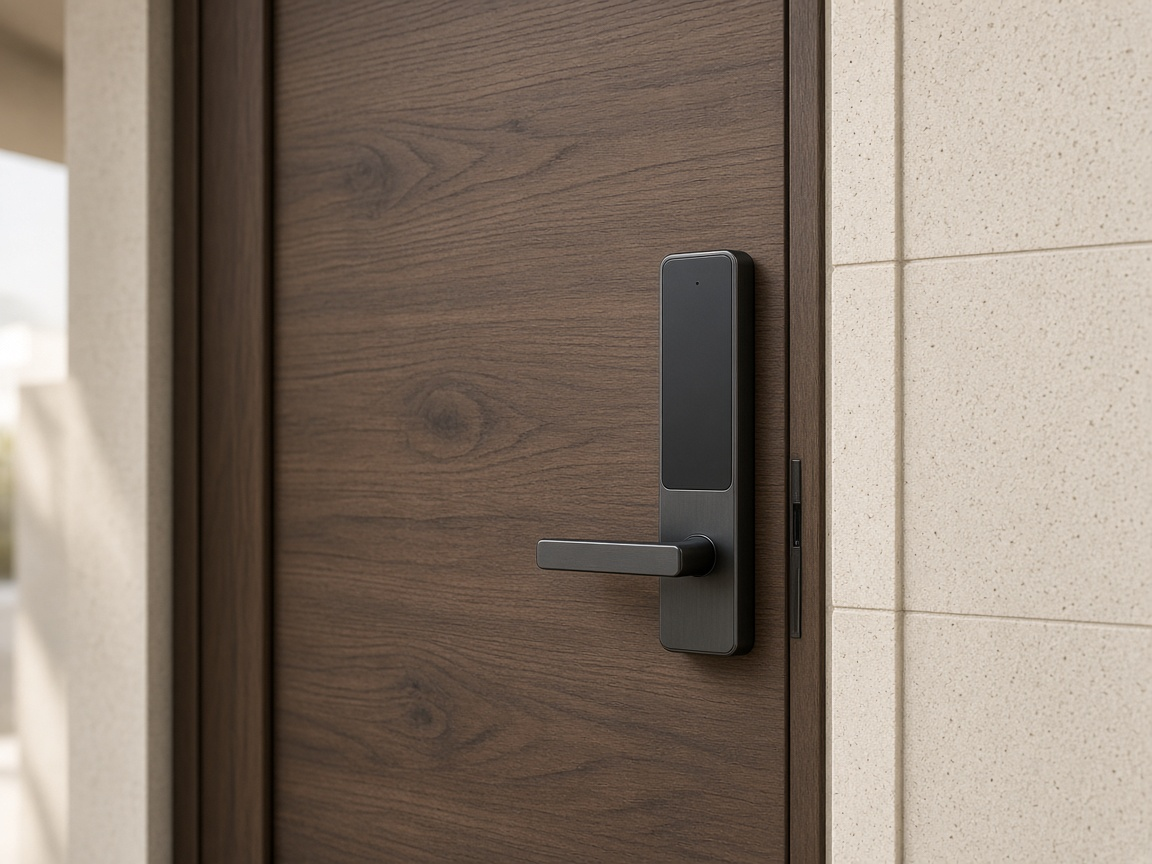
Key handovers and lockboxes are a weak fit when you are not nearby. A lock that can issue a code for each booking, and expire it at checkout, is the practical pattern.
Choose a lock that still opens with a code if the WiFi drops. The door cannot depend on the same connection the guest is about to complain about. Check the batteries between stays, not after someone is stuck outside.
Nuki or Philips smart locks work for this job. We can supply and fit either. Official DET service pages do not list a particular lock as a permit condition, and we will not invent one. Our smart locks article and the lock versus access control comparison go into the product choices.
Outdoor cameras only
Cameras stay outside — at the entrance, or covering an outdoor area you have disclosed. For privacy reasons we cannot support indoor cameras. We will not put a camera in a hallway, living room, bedroom, bathroom or guest house, and we will not leave one in place "but switched off."
Airbnb's current policy (the same wording is on airbnb.ae) does not allow security cameras or recording devices that monitor indoor spaces, "even if these devices are turned off." The rules took effect on 30 April 2024. A March 2024 newsroom post says indoor security cameras are prohibited in listings globally. Hidden cameras remain prohibited.
Outdoor cameras and doorbell cameras are allowed if you disclose their location in the listing. They must not look into indoor spaces, and they must not cover privacy-sensitive outdoor spots such as an enclosed outdoor shower or a sauna.
If you also list on Booking.com, their rule is not identical. They allow disclosed cameras in genuine common areas of a multi-guest building, but not in spaces rented exclusively by the guest. If the whole flat or villa is rented, that interior is not a common area, so the safe rule is still no indoor cameras.
UAE law also sits over the platform rules. In general terms, Article 44 of Federal Decree-Law 34 of 2021 restricts using an information network or IT system to invade someone's privacy, including recording or taking photographs, without consent or another basis set out in law. The UAE's personal data law treats a person's image and voice as personal data. This is not legal advice, and a listing disclosure does not automatically make a camera lawful. Check the official texts, your platform, and qualified advice if you need it.
Where CCTV is installed, we work under a partner's SIRA licence. We are not ourselves SIRA-registered, and we cannot act as the primary installer or signatory where that registration is required. Whether a given holiday home, building or community needs a SIRA-certified system has to be confirmed project by project. We do not offer after-dark testing. Our camera placement notes are useful for villas, with the same rule: keep the cameras outside.
Airbnb also allows indoor noise decibel monitors, which measure volume without recording audio, if they are disclosed and kept out of bedrooms, bathrooms and sleeping areas. Smart speakers are allowed; Airbnb encourages disclosure and a way for the guest to unplug them. Neither is a reason to add an indoor camera.
The other "how do I..." messages
Most of the late-night messages are simple. The TV is on the wrong input. The remote has no label. A previous guest left a streaming app signed in.
Keep one working input and one remote that is obvious. If you log the TV into a host streaming account, use a guest-safe profile and review it between stays. If you would rather guests use their own accounts, leave a short sign-out reminder on the card. Official DET pages do not state a TV size or app rule, and we will not invent one.
A one-page house tech guide in the unit still helps: the network name and password, how to use the lock, how the AC is controlled, and what to do if the TV is blank. If a smart thermostat is fiddly, a clearly labelled split-AC remote is better.
Power cuts and resets
A short power cut should not take the WiFi and the lock bridge down with it. A small UPS — a battery backup that sits between the wall and the kit — can carry the router, an access point or the lock bridge through a brief outage. We are not going to invent a runtime figure; size it to the kit you have. Our UPS notes cover the idea.
Checks between stays
You do not need a site visit after every checkout if the kit can be seen remotely. We can run remote checks between stays and reset the WiFi password for you. If you want planned upkeep rather than a panic call-out, we also offer an annual maintenance contract.
A short habit on the ground still helps, whether you, a cleaner or a manager does it:
- Run a speed test from the unit and check it against what you expect.
- Check the lock battery.
- Confirm the outdoor cameras are online, and that they still show the entrance you meant to cover.
- Find the TV remote.
- If the guest password has changed, update the card in the unit.
Our home network maintenance checklist is a longer version of the same idea.
Checklist: holiday home tech in one page
- DET holiday home permit in place and displayed, before the unit is listed.
- Coverage planned for the actual rooms, not only the hallway where the ISP router sits.
- A separate guest network, with a simple name and password on a card or QR code in the unit.
- Owner kit — cameras, lock bridge, hub, recorder — kept off the guest network.
- Cloud-managed WiFi, so you can see an offline device and restart it remotely, with a password reset between stays when you need one.
- The Etisalat or du router set up cleanly, without double NAT.
- A smart lock, such as a Nuki or Philips, with per-booking codes that still work if WiFi drops, and a battery check between stays.
- Outdoor or entrance cameras only, disclosed on the listing, and not looking into indoor or private outdoor spaces. No indoor cameras.
- A small UPS on the router, access point or lock bridge.
- A one-page tech guide in the unit, and a between-stay check of speed, lock battery, cameras, the TV remote and the guest password.
Talk to Hurst First
If you are running a holiday home in Dubai, we can plan the WiFi, a smart lock and outdoor cameras as part of our normal work — not as a separate package. WiFi installations start from AED 1,600 + VAT for an apartment and from AED 2,500 + VAT for a villa. We have been based here since 2019, with 2,000+ installations and 15,000+ devices configured. There is no pressure.
Request a consultation and we will take it from there.