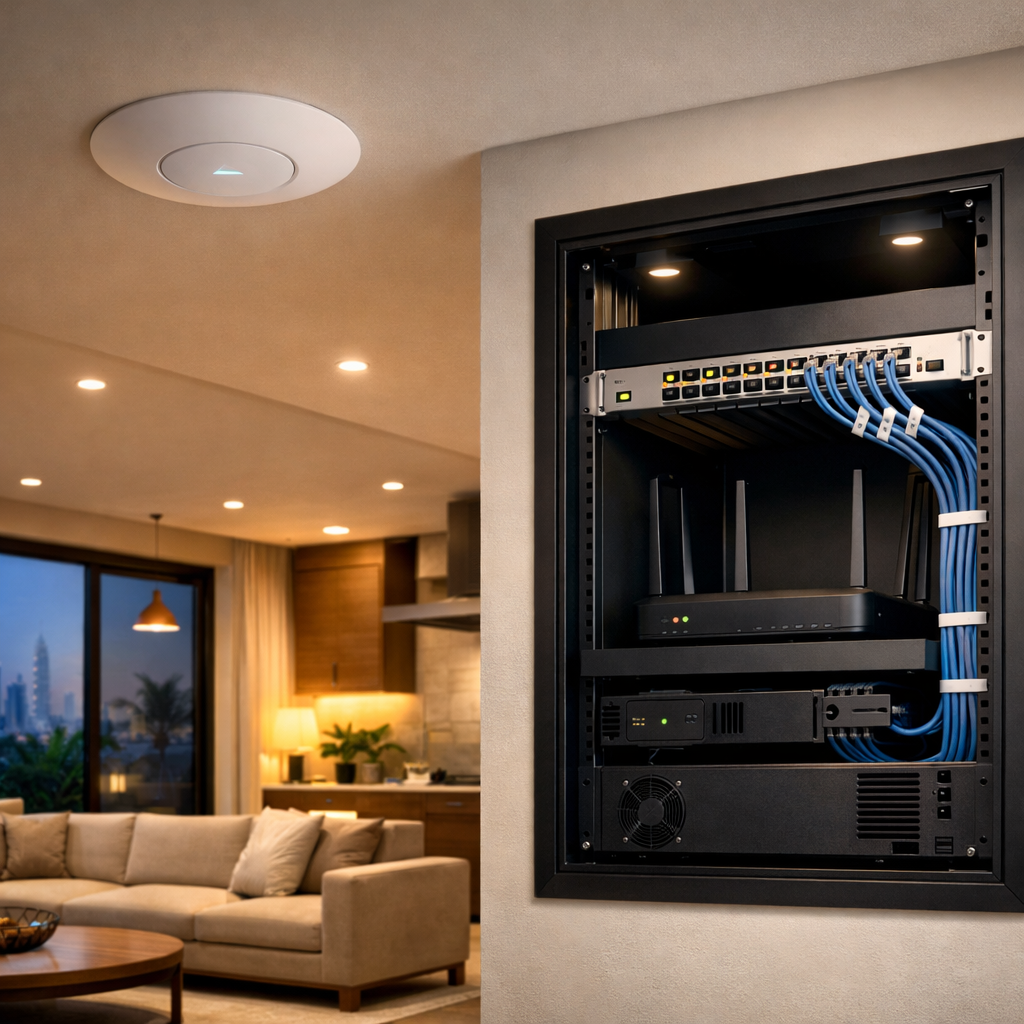
A home network in Dubai usually runs fine until one small thing tips it over.
The Wi‑Fi gets weak after furniture moves. The switch starts acting up after a power blip. A ceiling access point goes offline because the PoE budget was already tight. None of that is dramatic. It just becomes annoying.
This checklist keeps the basics under control.
Every month
Check the simple stuff first:
- Internet is stable at the main router
- All access points are online
- Main devices connect properly
- Cameras can be viewed live
- The smart home app still responds
- No warning lights on the router, switch, or UPS
Do this from a phone and from a laptop. Sometimes one device looks fine while another exposes the real issue.
Every three months
Go a bit deeper:
- Reboot nothing unless needed, but check uptime
- Review Wi‑Fi coverage in weak rooms
- Test the guest network
- Confirm patch panel labels still match the rooms
- Check cables in the cabinet are not loose
- Make sure the router and switch have airflow
- Look for dust buildup around vents
Dubai heat and dust can shorten the life of gear that would be fine elsewhere.
After furniture moves or renovations
This is where many villas start to drift.
If a wardrobe, TV unit, or partition wall moves, check:
- Whether an access point is blocked
- Whether a mesh node has been buried behind furniture
- Whether a cable got pinched
- Whether the TV or console still has a clean connection
- Whether the Wi‑Fi signal in that room changed
A “good enough” setup can become poor very quickly once the layout changes.
After a power cut
Power cuts and unstable power reveal weak parts of the system.
Check:
- ONT comes back online
- Router reconnects properly
- Switch powers up in the right order
- Cameras start recording again
- Smart locks or access control sync properly
- NAS or backup storage is healthy
If anything needs a manual restart every time, that should be fixed, not ignored.
Once a year
Do a more complete review:
- Change passwords if needed
- Review admin access
- Update firmware where safe
- Replace failing UPS batteries
- Check warranties and support dates
- Review whether the current network still fits the house
A villa gets busier over time. More TVs, more cameras, more devices, more people. The network has to keep up.
What not to do
Do not wait for a full outage before checking the system.
And do not keep adding cheap extenders to cover bad planning. If one wing of the villa is weak, fix the layout or add proper cabling. Extenders are usually a patch, not a solution.
Straight answer
A good network maintenance routine is boring. That is the point.
A few regular checks are usually enough to keep a Dubai home network stable, reduce call-outs, and stop small problems from turning into a full service visit.