



You have bought, or are about to buy, a Sonos soundbar for Dolby Atmos. The TV says it supports Atmos. The streaming app shows the logo. The bar still plays in ordinary surround, or worse, in stereo. The usual reaction is to blame WiFi or the internet plan. That is usually the wrong place to start.
Atmos only arrives if the whole chain supports it: content and service, player, TV or passthrough, ARC or eARC, then the soundbar. This guide is a compatibility checklist for Dubai homes, not a product review. For choosing between stereo, a soundbar and a fuller system, see how to make your TV sound better. If the issue is muffled speech rather than missing height channels, see clear dialogue in a Dubai home cinema.
Key takeaways
- eARC is not required for every form of Atmos. Most Dolby Digital Plus Atmos can use HDMI ARC. Lossless TrueHD Atmos needs eARC.
- Optical is not an Atmos path on the Sonos home-theatre products that support Atmos.
- A film's Atmos logo is not proof your system is receiving Atmos. Check the received format in the Sonos app while that content plays.
- Dolby Multichannel PCM is not Atmos. It does not carry Atmos object data.
- Apple TV can use Dolby MAT. Do not treat a TV's built-in DD+ streaming app as proof that an Apple TV path will work the same way.
- A faster Etisalat or du plan will not fix an unsupported TV output or source format.
Which Sonos products support Atmos
According to Sonos, Arc, Arc SL, Arc Ultra and Beam (Gen 2) support Atmos via Dolby Digital Plus or Dolby TrueHD. That list is the confirmed set for this article. Do not assume every Sonos speaker in the range does the same.
Atmos on these products needs HDMI ARC or eARC. An optical adapter is not an Atmos solution. HDMI-CEC can keep TV remote control working on a supported HDMI path; optical typically loses that TV control. CEC, ARC and eARC are related but different functions, and TV menu labels vary.
Arc Ultra also has to be configured in the Sonos app before it will play TV audio. Connecting the HDMI cable alone is not a full setup.
ARC, eARC and the formats that matter
Sonos is clear on the split:
- Most Atmos carried in Dolby Digital Plus can use ARC, on a compatible TV and source chain.
- Lossless TrueHD Atmos needs eARC.
Sonos also lists TrueHD, TrueHD Atmos, Multichannel PCM and Dolby Multichannel PCM among the formats that need eARC on its current listed soundbars (supported home theatre audio formats). Do not promise that every HDMI ARC television will pass those formats.
Devices such as Apple TV can pass Atmos using Dolby MAT. That is a different path from a TV's own Dolby Digital Plus streaming app. Check the complete player, TV and Sonos combination. A successful built-in-app test does not automatically validate an Apple TV path.
And one common false positive: Dolby Multichannel PCM does not include Atmos object data. If the app shows that readout, do not call it Atmos.
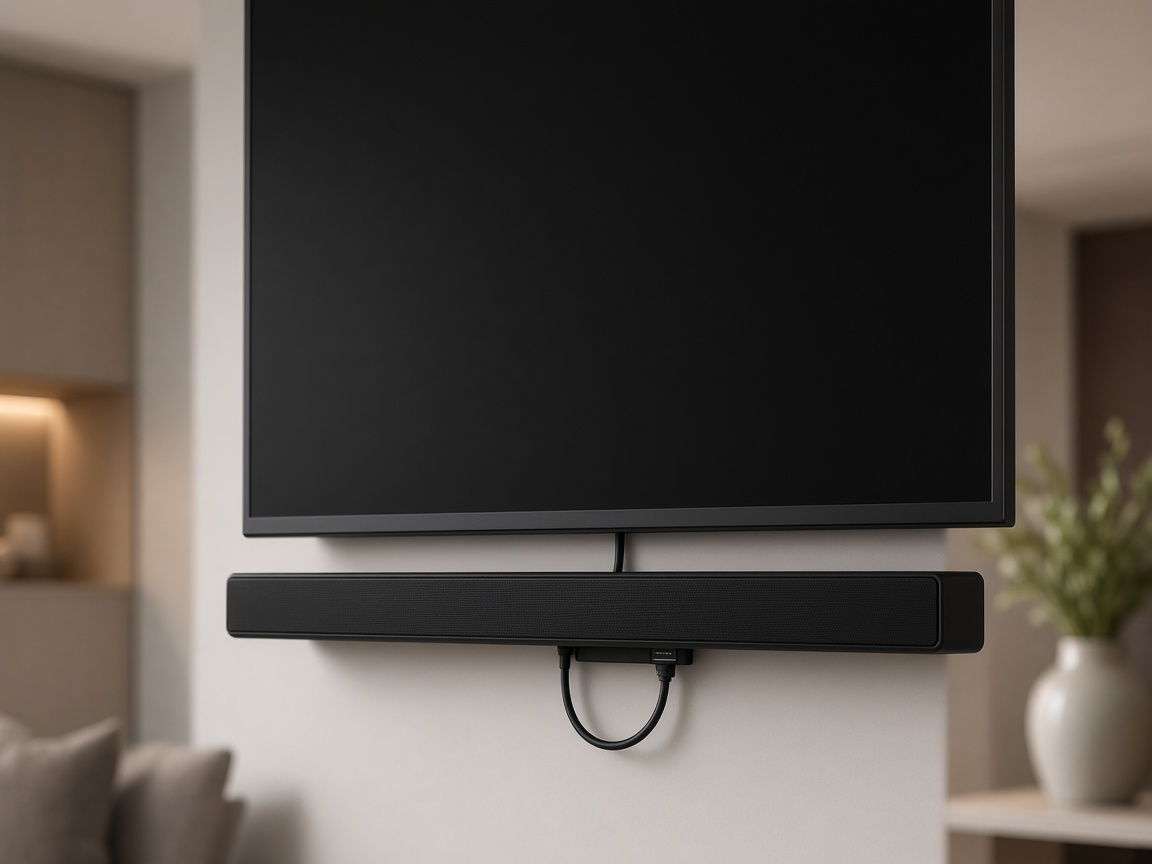
The compatibility chain to walk through
| What you want into Sonos | Connection to check | What still needs checking |
|---|---|---|
| Stereo PCM / Dolby Digital 5.1 | Supported optical or ARC/eARC paths | Exact TV output and Sonos product |
| Atmos in Dolby Digital Plus | ARC can work on a compatible chain | TV passthrough, service, tier, title, audio track and source |
| Atmos in Dolby TrueHD | eARC required | TV passthrough, disc or source format, product support |
| Atmos using Dolby MAT | Follow eARC/PCM needs for that player, TV and Sonos set | Do not assume a TV app DD+ test proves the Apple TV path |
Work in this order when you commission a room:
- Identify the exact TV, soundbar, player and HDMI cable.
- Inspect the TV's labelled ARC or eARC port and the manual for passthrough options.
- Use known-supported content and the correct audio track.
- Set manufacturer-supported output or passthrough. Do not invent one universal menu name for every brand.
- Confirm the received format in the Sonos app while that content plays (Sonos Atmos guide).
- Test TV remote / CEC behaviour and lip-sync from every agreed source.
- Document sources that simply cannot deliver Atmos. Honesty beats a badge on the box.
Some televisions re-encode audio from a supported source down to Dolby Digital 5.1. Sonos notes that behaviour. You need the TV and source documentation, plus a live test, not an assumption based on a player logo.
Streaming, discs and Dubai living rooms
Streaming services may restrict Atmos by subscription tier, and not every title has an Atmos track. UAE catalogue, tier and language-track availability are service-specific. Check the account, device, title and selected audio track on the day you test. Do not import a US plan list into a Dubai install.
Blu-ray and other disc sources are where TrueHD Atmos often appears. Those need eARC end to end.
Etisalat and du TV boxes vary by model. Exact passthrough support for a given ISP box is not established here. For a real job, get the model, a photo of the ports and the official manual before you promise Atmos from that source. This is not another ONT or ISP-router guide.
Local retail listings for Arc Ultra bundles exist in Dubai. A store page establishes that the hardware is sold here. It is not proof of current stock, regional warranty terms or a fixed installation price, so we are not quoting retail figures in this article.
We are a Sonos dealer. We have installed Sonos surround with multi-room audio in Dubai homes. The Al Barari relocation case describes a Sony TV with Sonos surround. Use that as a local example of the system type, not as measured Atmos proof for a specific Arc model or HDMI format.
Prove the format before you add more speakers
A soundbar badge and a film listing are marketing. Commissioning is different. Capture the received format in the Sonos app while the chosen Atmos title and audio track are actually playing. If the readout stays on Dolby Digital 5.1 or Dolby Multichannel PCM, stop and fix the chain before you buy surrounds or a larger sub.
Check every agreed source the same way. A TV app path that works on Dolby Digital Plus Atmos does not automatically clear an Apple TV Dolby MAT path, a game console or an ISP TV box. Document the sources that cannot deliver Atmos so nobody expects height channels from a stereo radio app.
CEC deserves a quick check too. On a supported HDMI ARC or eARC connection, HDMI-CEC can keep basic TV remote control working with the soundbar. An optical connection typically loses that. If the remote behaviour is odd on one input only, the fault is often the TV's HDMI settings for that input, not the speaker itself.
WiFi helps the app, not the HDMI path
Sonos needs a working network for the app, music and grouping. If rooms drop or speakers vanish, that is a network problem. See our Sonos fixes knowledge base for discovery and dropout symptoms, and wifi.hurst-first.com when multi-room reliability is the real issue.
Network quality does not repair a missing ARC port, a TV that re-encodes to 5.1, or a streaming tier without Atmos. A faster fibre plan will not either.
Keep indoor AV kit ventilated and follow the product's own installation instructions. We are not inventing Dubai temperature limits for soundbars here.
DIY is reasonable when / Call us when
DIY is reasonable when the TV has a clear ARC or eARC port, you already own a supported Sonos soundbar, you can switch audio formats in the TV and player menus, and you are willing to confirm the received format in the Sonos app.
Call us when several sources are involved (TV apps, Apple TV, console, ISP box), TrueHD or MAT paths need proving, lip-sync or CEC behaviour is wrong on some inputs, surrounds and a sub need integrating cleanly, or you want an honest commissioning report before you buy more speakers.
See our home cinema services for integration work on living-room and dedicated rooms.
FAQ
Do I need a new TV for Sonos Atmos?
Not always. Check the exact ARC or eARC capability and passthrough behaviour first. The HDMI requirements depend on whether you need Dolby Digital Plus Atmos or lossless TrueHD Atmos (Sonos).
Why does the Sonos app show 5.1 instead of Atmos?
The content, audio track, player or TV may be delivering or re-encoding 5.1. Trace the chain and test with a known Atmos title and track while watching the received-format readout.
Can HDMI ARC play Atmos?
Often yes for Dolby Digital Plus Atmos on a compatible TV and source. It is not enough for TrueHD lossless Atmos, which needs eARC.
How can I know Atmos is actually working?
Play supported content and check the received audio format in the Sonos app's Now Playing or About My System view. A logo on the film artwork is not enough.
Will a faster internet plan fix missing Atmos?
No. Atmos depends on the source format, the TV's HDMI output and the soundbar path. Speed upgrades do not create passthrough that the hardware does not support.
Talk to Hurst First
If your Sonos bar is installed but Atmos never appears, or you want the chain checked before you buy, we can verify the TV port, sources and received format and tell you what will and will not work. We work on apartments and villas across Dubai.
There is no pressure. If you would like a second opinion on the room and the kit you already have, Request a consultation and we will take it from there.