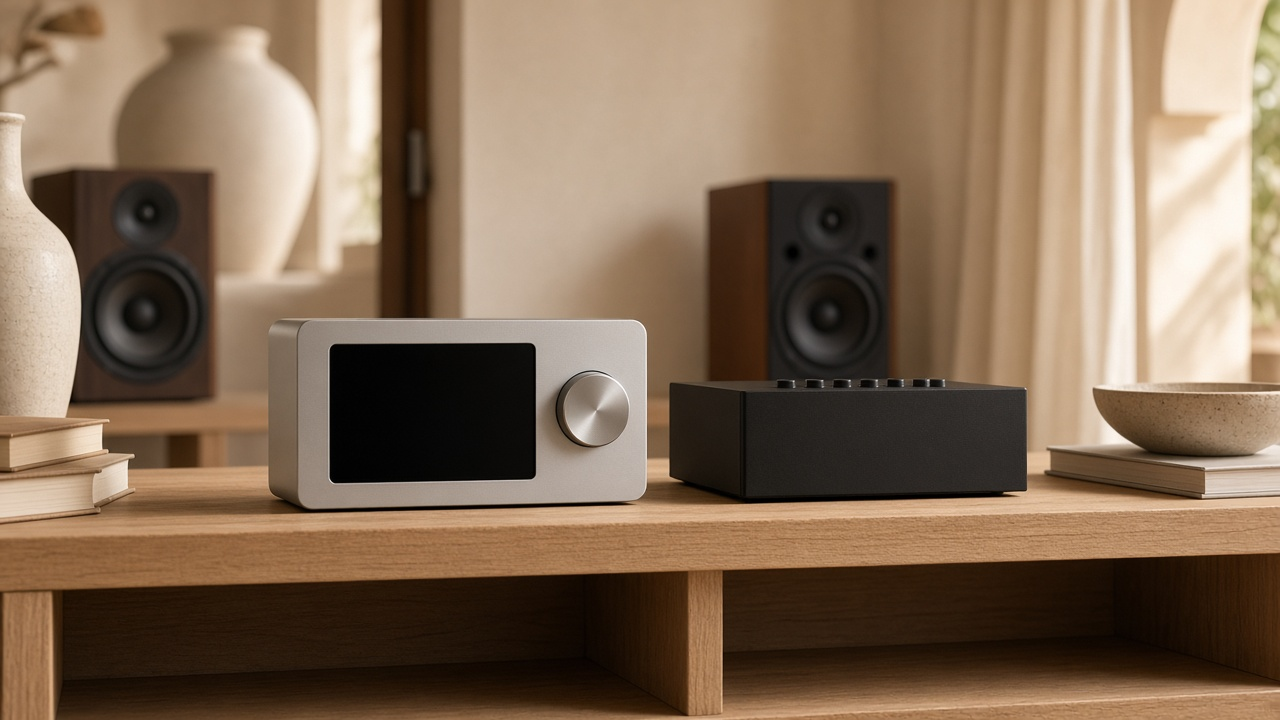
You have a decent amplifier or active speakers and want better streaming without replacing the whole system. WiiM Ultra and WiiM Pro Plus both fill that gap, but they are not interchangeable. The more expensive Ultra is not automatically the better choice, especially in an Apple home.
We offer and supply WiiM. This guide focuses on inputs, outputs and control so you can pick the right model for your kit. For the wider brand comparison, see Sonos versus WiiM. For general planning notes, see our WiiM knowledge base, keeping in mind the model-specific caveats below. We are also a Sonos dealer if that route suits you better; that does not make every WiiM model a direct swap for a working Sonos room.
Key takeaways
- WiiM Ultra does not support AirPlay 2 (Apple's wireless playback). Pro Plus does. Assuming every WiiM model has AirPlay will lead to the wrong purchase.
- Both units are streamers or preamp sources (they send audio on; they do not power the speakers). Passive speakers still need a separate amplifier.
- Pro Plus offers analogue and optical input, plus analogue, optical and coaxial output. Ultra adds HDMI ARC (a TV audio connection), a phono input for a turntable, USB audio out and a subwoofer output.
- The USB-C port on Pro Plus is power only. Do not assume it works like Ultra's USB connection, which can also send audio out.
- Decide on fixed or variable volume during planning (whether the streamer or the amp sets the level). Bit-perfect digital output (an unaltered digital signal) and EQ or room processing are different operating modes.
- A faster Etisalat or du plan will not add AirPlay to a box that does not have it.
Neither model is a power amplifier
The Pro Plus manual lists audio amplification as No. The Ultra manual describes connections to an external amp, receiver or powered speakers, not passive-speaker terminals.
If your ceiling or bookshelf speakers are passive, you still need downstream amplification. A WiiM streamer is not a WiiM Amp just because the branding matches. Keep that distinction clear when planning your rack.
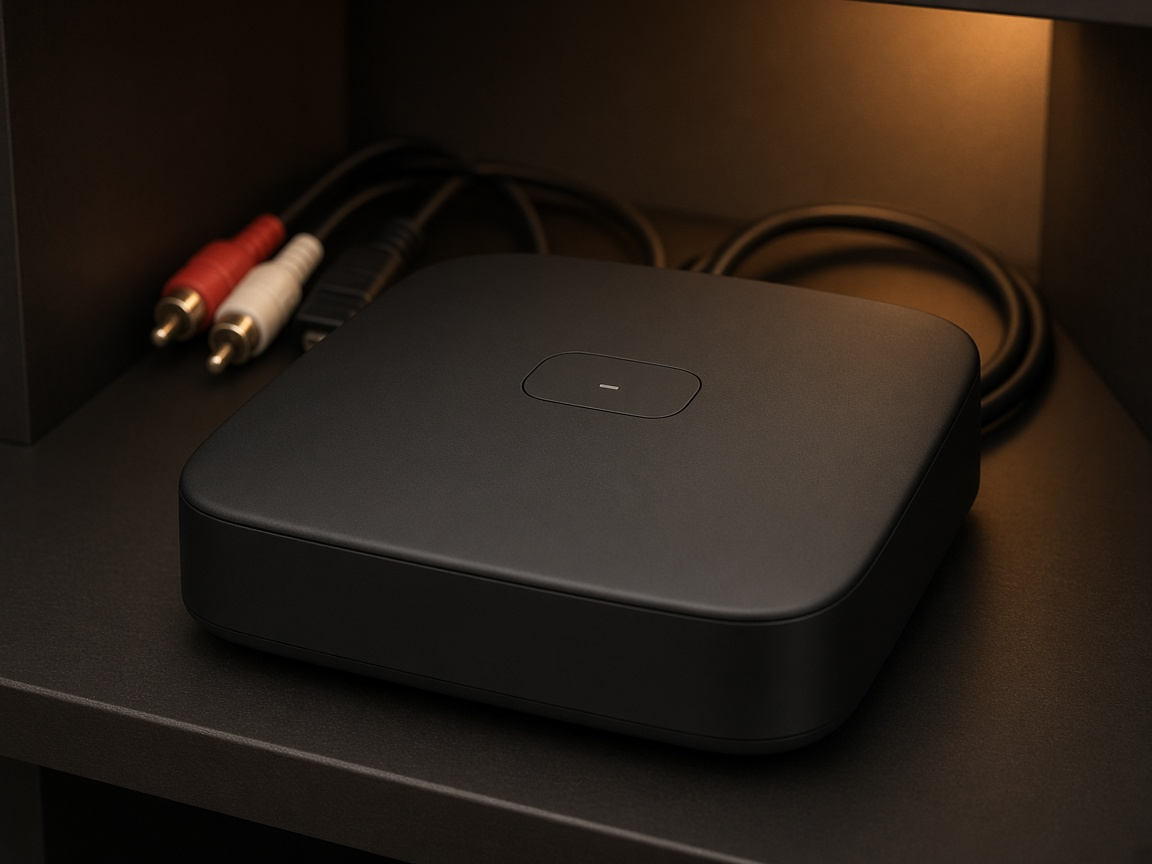
Both models provide RCA line out for an amp or active speakers. Digital outputs differ: Pro Plus has optical and coaxial out; Ultra adds USB audio output alongside optical and coaxial (Ultra overview).
Why AirPlay splits the decision
Of these two models, only Pro Plus appears on WiiM's official AirPlay 2 support list. Ultra's current product page does not support AirPlay 2.
That single point often decides which model fits:
- If your household streams from iPhone or Mac via AirPlay, Pro Plus is the one that supports it.
- If you are content using the WiiM app, Chromecast-style casting where available, or a service's own Connect function, Ultra's additional sockets may outweigh the lack of AirPlay.
AirPlay, a service Connect button and the WiiM app are separate workflows. Not every iOS app offers an alternative casting path, and music-service catalogue, tier and quality in the UAE remain account-specific.
There is no confirmation that Ultra will gain AirPlay via firmware. Assuming future support contradicts its current status and risks disappointment.
Inputs and outputs that actually differ
| Need | Pro Plus | Ultra |
|---|---|---|
| AirPlay 2 | Yes | No |
| TV sound | Optical; manufacturer page specifies stereo PCM, not Dolby Digital or DTS | HDMI ARC plus optical; current Ultra page lists stereo PCM and Dolby Digital on ARC, not DTS |
| Turntable | Line in requires a built-in or external phono preamp if the cartridge needs one | Dedicated phono input; follow the manual for cartridge and gain matching |
| USB | USB-C power only | USB supports specified storage or output use; not an unrestricted USB audio input |
| Subwoofer socket | Not listed among physical outputs | Dedicated analogue sub out for a powered sub |
Check the manuals rather than relying on rear-panel photos alone. Ultra's manufacturer page notes that service availability and audio quality vary by service, plan, region, source and output. A DAC chip headline does not guarantee every app or source plays at that resolution.
Ultra's current documentation limits sharing physical inputs such as phono, line or HDMI to an all-WiiM group. You cannot assume any physical input will feed into an AirPlay, Alexa or Google speaker group (Ultra; Pro Plus).
Volume control: decide before you listen
Pro Plus documentation distinguishes Fixed Volume Output, where the amp or AVR controls level, from app-controlled volume with Fixed Volume Output disabled. Bit-perfect digital output requires fixed volume and EQ or mono processing turned off.
Agree on one everyday volume controller and safe startup behaviour before commissioning. Do not run full-scale fixed output into an unspecified power amp without a reliable way to turn the system down. Ultra buyers need the same discipline: decide whether the streamer or the amp handles day-to-day volume before enabling room EQ.
Our existing WiiM hub already covers planning fixed versus variable volume and ensuring adequate airflow around the unit. That guidance still applies.
Dubai living rooms and existing kit
Confirm the exact amplifier or active-speaker model and which input you intend to use. Local retailers list Ultra and Pro Plus bundles or standalone units, but a listing is not our stock, delivery promise or warranty route. At least one opened Pro Plus page showed sold out during research, so availability moves.
We have upgraded streaming while retaining ceiling speakers and cabling in a Dubai villa. The Victory Heights Opus amplifier replacement used a WiiM streaming solution. The public case study does not specify Ultra or Pro Plus, and we do not speculate beyond what is published.
If discovery or multi-room playback is unreliable, the home network is often the cause. Walking through the rooms with client devices is the right first check; we do not sell heatmap software reports. See wifi.hurst-first.com when streaming reliability is the real issue. A faster fibre tariff still will not add AirPlay to Ultra.
What chip marketing does not prove
Some retailer pages lead with DAC sample-rate headlines. Chip capability does not prove end-to-end support for every service, plan and output path on Pro Plus or Ultra. Rely on the model manuals and current manufacturer pages for what each unit actually accepts and outputs.
The same caution applies to older WiiM knowledge-base copy that discusses AirPlay in general terms. When you follow that link, qualify it by model: Ultra does not support AirPlay 2 today.
Local Ultra bundles and Pro Plus listings exist in the UAE. They signal availability but are not our stock list, nor a promise of audible improvement over an amplifier you already like.
How to choose
- Confirm which phones and apps you use, whether AirPlay is mandatory, which physical sources matter and whether TV sound is in scope.
- List the exact amp, DAC or powered speakers and choose the analogue or digital route deliberately.
- Keep passive-speaker amplification and any powered-sub requirement explicit.
- Agree on one everyday volume controller and test the chosen services, including grouped-source behaviour, before handover.
- If network discovery is shaky, walk the rooms with real phones rather than relying on a software heatmap.
For integration help around living-room audio, see our AV services.
DIY is reasonable when / Call us when
DIY is reasonable when you already know whether AirPlay is required, your amp has a clear line or digital input, and you are comfortable setting fixed or variable volume in the WiiM app.
Call us when TV ARC, a turntable and a sub all need tying in, an Apple household is about to buy Ultra by mistake, volume behaviour between streamer and amp is unclear, or you want the streamer matched to speakers and zones you already have.
FAQ
Ultra or Pro Plus for an iPhone household?
Decide whether AirPlay is required. Of these two, only Pro Plus supports AirPlay 2 on WiiM's official list.
Can I keep my amplifier?
Often yes, provided it has a suitable input and a sensible volume plan. Identify the actual model rather than assuming compatibility with every legacy amp.
Do I need a WiiM Amp instead?
Only if you need the brand to power passive speakers as well as stream. Ultra and Pro Plus are not speaker-power amplifiers.
Will Ultra play Dolby Atmos from my TV?
This article covers stereo streamer selection. Ultra's current ARC listing includes stereo PCM and Dolby Digital, not DTS, and this is not an Atmos theatre guide. For Sonos Atmos and eARC chains, see our separate Sonos commissioning article.
Are you an authorised WiiM dealer?
We offer and supply WiiM. We do not claim authorised WiiM dealer status here. Separately, we are a Sonos dealer if that system is the better fit.
Talk to Hurst First
If you are choosing between Ultra and Pro Plus, or matching a streamer to an amplifier you already like, we can check AirPlay needs, inputs and volume behaviour before you buy the wrong box. We work on apartments and villas across Dubai.
There is no pressure. If you would like a second opinion on the chain you already own, Request a consultation and we will take it from there.